What are the payment options?
We offer different payment options that can adjust to your needs and convenience.
For your convenience we offer the following payment options:
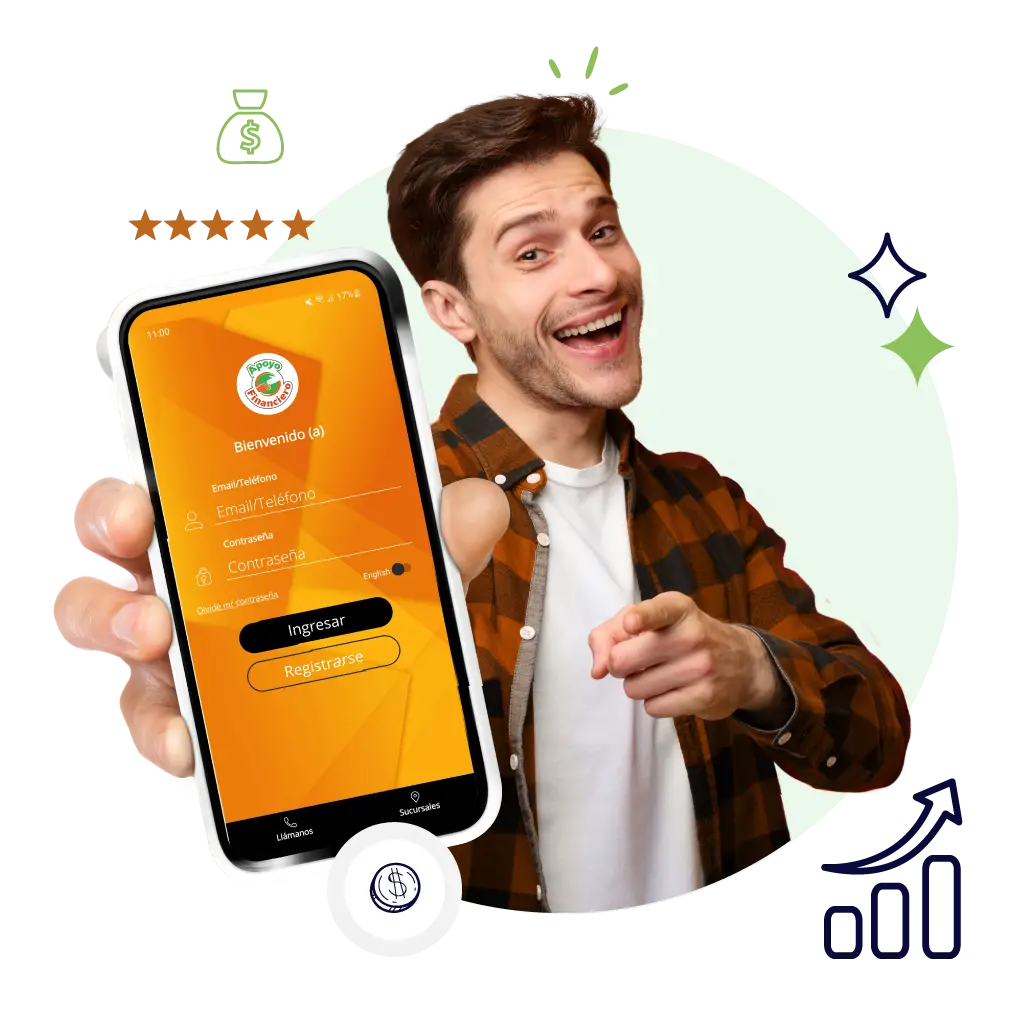
Mobile Application Apoyo Financiero Mobile
Download our App Apoyo Financiero Mobile on App Store or Google Storeand enroll in recurring Autopay payments in 3 simple steps:
- Choose your payment method.
- Choose the frequency and date of your payments.
- Select the amount of your payments and you're done!
Affiliated Businesses
If you prefer to make your payments in cash, you can make them through the PayNearMe network at any 7-Eleven, CVS, Walmart, Walgreens or Family Dollar.
- Request your barcode from an agent or you can also get it from your Mobile Application.
- Present your personalized barcode to the cashier.
- Keep your payment receipt as proof.
If you need a copy of the PayNearMe barcode, call your branch or 800-891-228 to have the code sent to you by email or text message to your cell phone.
Find a PayNearMe network location
7-Eleven, Walmart, CVS and Family Dollar stores Visit: paynearme.com/
To make your payments by sending the word PAGO by SMS to (855) 409-9154.
For more information call us at 800-891-2778 from Monday to Saturday from 8 am to 8 pm.
Your payments are secure!
Apoyo Financiero, Inc. is committed to ensuring digital access for people with disabilities. We appreciate you sharing any issues regarding the accessibility of the website at the following email: accessibility@apoyofin.com
According to federal laws and Department of Treasury policies, this organization cannot discriminate on the basis of race, color, national origin, sex, age, or because a person has disabilities. To file a discrimination complaint, write to: U.S. Department of the Treasury, Director, Office of Civil Rights and Equal Employment Opportunity 1500 Pennsylvania Avenue, N.W., Washington, DC 20220; or send an email to: crcomplaints@treasury.gov