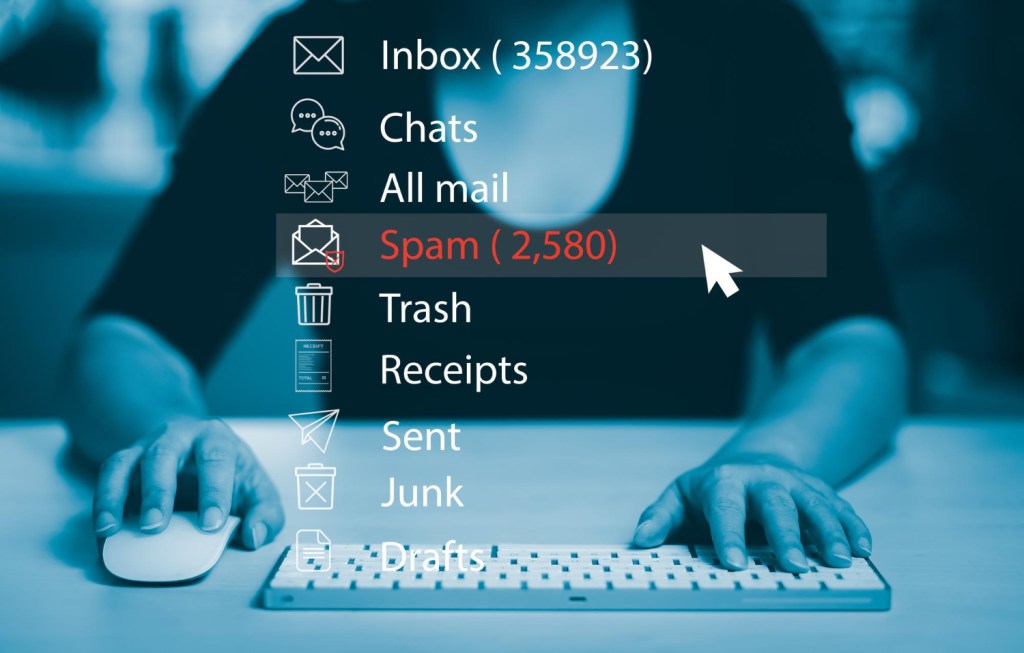
Let's talk about spam emails and text messages.
When scammers send spam messages that look legitimate (but are not), they are usually trying to trick you into clicking on links and giving them personal or financial information. Data such as your passwords, bank account numbers, and Social Security are valuable to scammers. With that access to your accounts, scammers could try to steal your money or your identity. Or both.
To help you reduce spam and avoid scams:
Use filters. Your mobile phone likely has options to filter and block text messages from unknown senders. Some wireless service providers and call-blocking apps can also be helpful in blocking unwanted messages. Several of the most well-known email service providers (such as Gmail) have good spam message filters enabled by default. But if you receive a spam message in your email inbox, mark it as spam or junk.
Unsubscribe from unwanted emails. Receiving fewer unwanted emails helps you avoid clicking on links that can lead to a phishing attack.
Protect your personal information. Before entering your personal information on a website, email, or text message chain, hit the brakes. Ask yourself: Why do they need this information? And what will happen to that data? Also remember that you should never share your Social Security number with someone who initiates communication with you.
Report unwanted messages. Unwanted messages often lead to scams. Report them. Use la opción “report junk” de su teléfono o reenvíe los mensajes de texto no deseados al 7726 (SPAM) and unwanted emails to your email provider.
Learn more about how to receive fewer spam emails and text messages. If you detect a scam, report it to the FTC at ReporteFraude.ftc.gov.

For more information, consult the materials available from the Consumer Financial Protection Bureau (CFPB).